Phone Stolen, Bank Drained in Hours: The 60 Minutes That Decide
Pickpocket in London takes a phone, drains a bank account by lunch. The exact 60-minute response: carrier lock, account freeze, fraud reporting in the right order.
On this page 7 sections
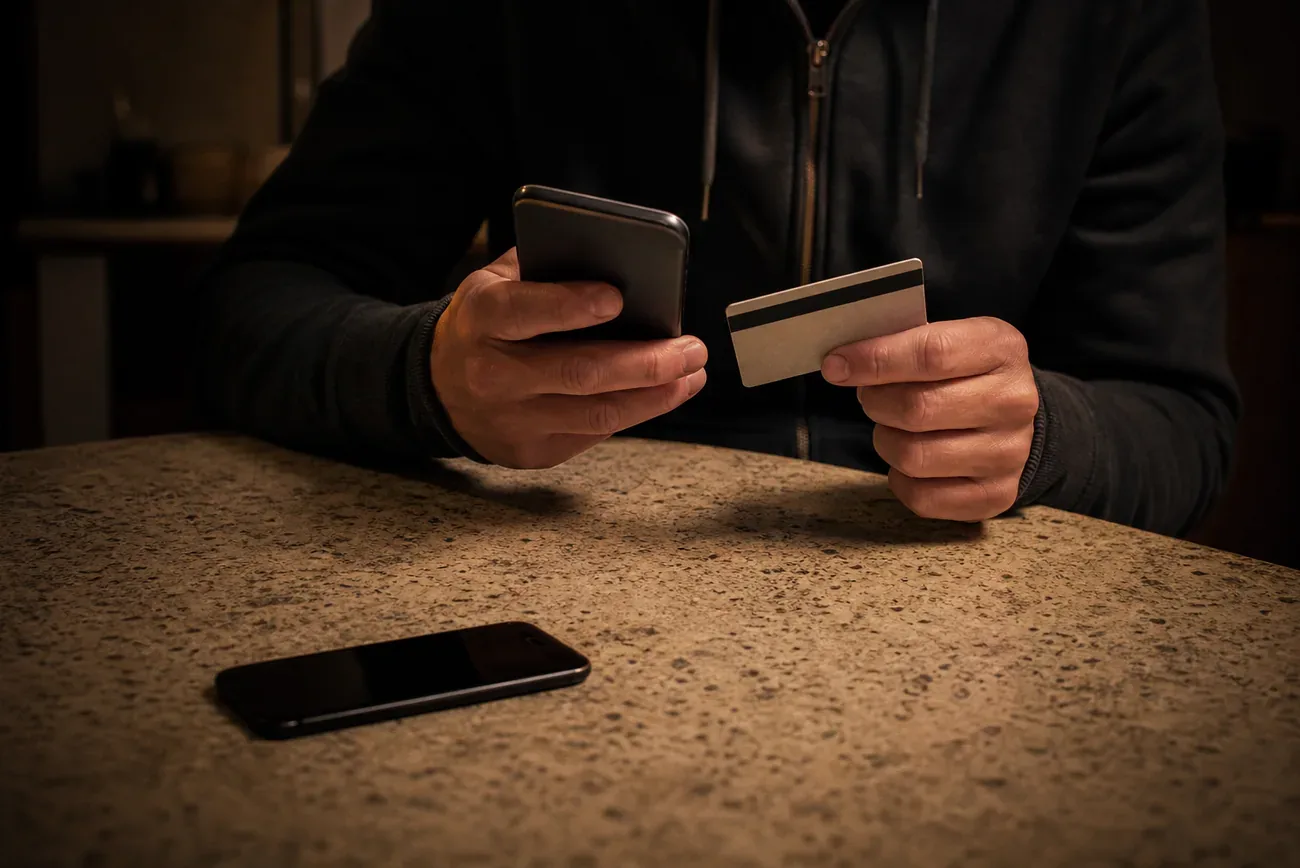
A phone snatched from your hand on Oxford Street is worth roughly $800 as hardware. With an unlocked screen and a banking app installed, it is worth tens of thousands. The UK Metropolitan Police recorded $177 million in phone-related fraud losses in the year to March 2024, and the average window from snatch to first fraudulent transaction is under 22 minutes. This is the exact sequence that closes that window.
Key Takeaways
- Push-notification 2FA on an unlocked stolen phone approves bank transfers automatically, with no additional input required from the account holder
- The UK Met Police recorded 177 million pounds in phone-linked fraud losses in the year to March 2024 (Payment Systems Regulator, 2024)
- US Regulation E gives banks 10 business days to provisionally credit disputed unauthorized transfers once reported
- Carrier lock stops SMS one-time passwords from reaching the thief; it must happen before you file the police report
- PSD2 (EU) and the UK CRM scheme both require banks to refund unauthorized transfers unless they prove gross negligence
- Every banking app keeps a cached session that remains active until you revoke it from another device
- A SIM PIN set before theft happens prevents SIM swap attacks from succeeding against your carrier
Why a Stolen Phone Equals a Stolen Bank Account
Phone theft crossed a threshold around 2021. Before that, a stolen handset meant lost contacts and an insurance claim. Now it means a direct channel to every financial account the victim holds. Three interlocking vulnerabilities explain why.
Push-notification two-factor authentication is the first. Most banking apps send a push notification to the registered device to approve a transfer. A thief with the phone open does not need to intercept anything. The notification arrives on the screen they already control. One tap approves a $10,000 transfer. The bank’s systems see a legitimate approval from the registered device and process the payment.
Biometric authentication stores session tokens, not biometrics. Face ID and fingerprint authentication feel secure, but they unlock a cached session that the banking app maintains for hours or days. A thief who grabs an unlocked phone inherits that session. They do not need your face. They need the phone in its current unlocked state, which a snatch-and-run provides.
Autofill passwords and saved credentials complete the attack surface. A phone’s password manager (iCloud Keychain, Google Password Manager, or a third-party app like 1Password) often auto-populates banking login credentials. Combined with SMS one-time passwords arriving on the stolen SIM, the attacker can log in to accounts they have never touched before, reset email access, and change recovery phone numbers, all before the owner realizes what is happening.
The authenticator app risk is specific and underappreciated. Apps like Google Authenticator store time-based one-time passwords locally on the device. No network interception needed. A thief who can see the phone screen can read the six-digit code and enter it on a laptop to approve transfers. This is why the 60-minute sequence addresses authenticator apps separately from SMS codes.
How Thieves Bypass Biometric Authentication
Biometric authentication stops a significant portion of attacks. But three bypass routes remain, and professional theft crews know all three.
The shoulder-surfed PIN is the most common. Thieves in London’s West End, Barcelona’s Las Ramblas, and New York’s Midtown work in pairs. One distracts or positions themselves behind the target; the other watches them enter their PIN. They memorize it, then snatch the phone seconds later on a moped or on foot. With the PIN, they can disable Face ID, change the Apple ID password, turn off Find My, and begin banking transfers. The Metropolitan Police’s “Be Switched On” campaign specifically warns about this technique because it precedes so many of the high-value fraud cases they record.
Forced face unlock during a snatch is less common but documented in cases involving late-night theft. The victim is still holding the phone when it is taken, and the device’s camera captures the owner’s face during the grab. Modern iPhones require attention detection (eyes open, looking at screen), which limits this, but older devices and most Android phones with basic face unlock remain vulnerable.
Factory reset via recovery mode is the social engineering route for locked devices. A thief who cannot unlock the phone may call the carrier, claim the phone was bought secondhand without the previous owner’s credentials removed, and attempt to get iCloud Activation Lock or Google’s Factory Reset Protection disabled. This is why Lost Mode on iPhone matters: it adds a contact message and requires iCloud credentials for any reset, closing this route.
The 60-Minute Response: Exact Sequence
The steps below are numbered in order. Do not skip steps or reorder them. The logic of the sequence matters: each step either stops ongoing fraud or preserves evidence needed for refund claims later.
Step 1 (0-3 minutes): Borrow any phone, tablet, or computer. Do not spend time trying to block your phone number from your own SIM. You need a working device immediately.
Step 2 (3-5 minutes): Lock your SIM card at the carrier. Call your carrier’s fraud or lost-phone line. In the US: Verizon 1-800-922-0204, AT&T 1-800-331-0500, T-Mobile 1-800-937-8997. In the UK: EE 150, O2 202, Vodafone 191, Three 333. Say “my phone was stolen, lock my SIM immediately.” This stops SMS one-time passwords from reaching the thief’s hands. This step, done within 5 minutes, blocks most SMS-based banking fraud before it starts.
Step 3 (5-10 minutes): Enable Lost Mode on iPhone or Secure Device on Android. Go to icloud.com/find or android.com/find. Mark the device as lost. This locks the screen with a message, disables Apple Pay, and keeps location reporting active. Do not erase yet. Lost Mode preserves the location trail as evidence for your police report and bank dispute. Erasing immediately costs you that evidence.
Step 4 (10-15 minutes): Freeze all banking apps from a second device. Log in to each banking app or website on a different device. Transfer balances to savings if your current account is at risk. Use in-app card freeze features. Call your bank’s fraud line if you cannot log in remotely. In the US: CFPB recommends having your bank’s 24-hour fraud number saved separately from the phone. In the UK: most banks have a dedicated fraud line printed on the back of physical cards.
Step 5 (15-20 minutes): Sign out of Apple ID or Google Account remotely. On icloud.com, go to account settings and remove the stolen device from trusted devices. On myaccount.google.com, go to Security, then Your Devices, and sign the stolen phone out. This revokes cached sessions and forces new login for all apps tied to those accounts.
Step 6 (20-25 minutes): Disable Apple Pay and Google Pay. On icloud.com, select the stolen device and click Remove. This voids all stored payment cards. On pay.google.com, go to Payment methods and remove the device. Do not wait for the banking app freeze to cover this. Apple Pay and Google Pay operate on separate token systems.
Step 7 (25-30 minutes): Change your email password from a different device. Email is the master key to every account. Password resets for banking, investment platforms, and payment services all land in email. A thief with your phone’s email session can click every “forgot password” link. Change it now, before they do.
Step 8 (30-40 minutes): Rotate accounts using phone-based authenticators. Log in to Google, Microsoft, Dropbox, and any financial account that used your phone as an authenticator. Use backup codes, a secondary email, or call support. Revoke the old authenticator session. If you used Google Authenticator without backup codes and cannot access the account, call the service’s account recovery line directly.
Step 9 (40-45 minutes): Report to police in person or online. In the UK, use met.police.uk/report or visit the nearest station for a theft reference number. In the US, file online with your local police department or call the non-emergency line. You need a crime reference number for every bank fraud dispute that follows. Get this number in writing. The same reference number is what your carrier needs to blacklist the phone’s IMEI, so keep it on hand for that call too.
Step 10 (45-50 minutes): File fraud reports with each bank. Call each institution and state: “My phone was stolen at [time and location]. I believe unauthorized transactions have been or will be attempted using banking apps on the stolen device. I am filing a fraud report and requesting a dispute hold.” Give them the crime reference number.
Step 11 (50-55 minutes): Change passwords for every saved credential on the phone. Prioritize: email first, then banking, then investment accounts, then payment services like PayPal or Venmo, then social media accounts that could be used for social engineering. Use a password manager on a different device to update them systematically.
Step 12 (55-60 minutes): Set a carrier account PIN if you have not already. Call your carrier and add a verbal or numeric PIN to your account. This blocks SIM swap attempts where a thief calls your carrier pretending to be you. In the US, the FCC mandated enhanced SIM swap protection in 2023, requiring carriers to add additional verification. Set this now so it protects your new SIM.
The SIM Swap Attack Timeline
SIM swap is the attack vector that victims discover last and banks dispute most aggressively. Understanding it helps you argue the fraud case.
The average stolen-phone SIM swap takes under 30 minutes from first carrier call to full number port, based on documented cases reviewed by the UK Payment Systems Regulator. The thief calls your carrier using details found on your phone (contacts named “Mum” or “Bank of America,” your full name visible in Settings, or your email address). They claim to have lost the device and need the number transferred to a new SIM. A customer representative, following a script with minimal verification, completes the transfer.
Once ported, every SMS one-time password that banking apps send goes to the thief. They log in to your bank using saved credentials from your phone or a previous data breach, request an OTP, receive it on the ported number, approve the transfer. The bank’s systems see a correct username, a correct password, and a correct OTP. They process the payment.
Setting a carrier account PIN before any theft occurs is the single most effective prevention. It requires anyone calling your carrier to verify the PIN before making account changes. Ofcom in the UK published guidance in 2024 requiring operators to implement additional SMS verification before number porting.
Consumer Protection: US, UK, and EU Compared
[CHART: comparison table - US Reg E vs UK CRM vs EU PSD2 consumer protection - compiled from CFPB, PSR, EBA sources]
| Jurisdiction | Regulation | Refund deadline | Burden of proof | Cap |
|---|---|---|---|---|
| United States | Regulation E (CFPB) | 10 business days provisional credit | Bank must prove authorization | No cap on unauthorized transfers |
| United Kingdom | PSR CRM / FCA Rules | Within 5 business days | Bank must prove gross negligence | No cap (FOS binding to 375,000 pounds) |
| European Union | PSD2 Article 73 | 10 business days | PSP must prove fraud or gross negligence | No cap |
The word “gross negligence” is where most bank refusal arguments begin. Banks in all three jurisdictions sometimes claim that entering your PIN (even under observation) or having your banking app installed constitutes gross negligence. Both the UK Financial Ombudsman Service and the US CFPB have issued decisions rejecting this argument when: (1) the theft was reported within hours, (2) a police reference number exists, and (3) the victim had standard security settings enabled. Keep documentation of all three.
Phone theft hotspots and prevention
When the Bank Refuses to Refund
Banks refuse fraud claims on stolen phones for three stated reasons: “you authorized the transaction with your biometrics,” “you had your PIN stored on the device,” or “your security settings were insufficient.” None of these is automatically a valid defense under Regulation E, PSD2, or the UK CRM scheme.
In the US: File a formal written dispute under Regulation E with your bank within 60 days of the statement showing the fraudulent charge. If the bank denies it after 10 business days without provisional credit, file a complaint at consumerfinance.gov/complaint. The CFPB forwards complaints to the bank and tracks response time. Banks with poor complaint ratios face regulatory scrutiny. This complaint mechanism has real teeth.
In the UK: If the bank’s final response letter does not resolve the dispute, escalate to the Financial Ombudsman Service within 6 months. The FOS service is free to consumers and binding on banks up to 375,000 pounds. The FOS published a 2023 decision bulletin specifically addressing stolen-phone banking fraud, finding in favor of consumers in the majority of cases where theft was promptly reported and the bank’s evidence of gross negligence was thin.
In the EU: Each member state has a national competent authority for PSD2 disputes. In Germany, that is BaFin. In France, it is the ACPR. File first with your bank, then with the national authority if the bank’s response is unsatisfactory within the 10-business-day window.
Long-Term Prevention: Four Changes That Actually Work
Google Find My Device complete guide
Set a SIM PIN. On iPhone: Settings, Cellular, SIM PIN. On Android: Settings, Security, SIM Card Lock. This requires a 4-digit PIN to use the SIM in any device. A thief who pops your SIM into a different phone cannot receive calls or SMS messages until they enter it. Three wrong attempts lock the SIM permanently.
Use an authenticator app with its own PIN, not SMS OTP. Microsoft Authenticator and Duo both allow a PIN or biometric lock within the app itself. Even if a thief has the phone open, they cannot read authenticator codes without the app’s own PIN. Google Authenticator does not have this feature by default, which is a meaningful security gap for banking use.
Set a banking app PIN different from your device unlock code. Most major banking apps (Chase, Bank of America, Lloyds, Barclays, HSBC) allow an in-app PIN that differs from the device passcode. Enable it. A thief who shoulder-surfs your phone PIN still cannot open the banking app without this second code.
Set a carrier account PIN or verbal password. Call your carrier’s customer service line and ask to add a port protection or account security PIN. In the US, all four major carriers are required to offer this under FCC’s 2023 SIM swap rules. In the UK, Ofcom’s 2024 porting security guidance requires the same. This one step prevents the majority of SIM swap attacks that follow phone theft.
None of these changes takes more than 10 minutes. Combined, they reduce the financial attack surface of a stolen phone from “everything accessible” to “carrier PIN plus app PIN plus authenticator PIN,” which is not worth 30 minutes of a thief’s time.
Phone theft hotspots prevention
If domestic violence or stalking is part of your situation: resources specific to technology-enabled abuse are available through the National Domestic Violence Hotline at 1-800-799-7233 (US) or the National Stalking Helpline at 0808 802 0300 (UK). The Coalition Against Stalkerware (stopstalkerware.org) maintains a separate guide for survivors who need to secure accounts without alerting an abusive partner.
Questions & answers
Things readers ask about this
7 questions · updated May 2026