How to Find a Lost AirPods Case: What Works, What Doesn't
Two AirPods cases have a U1 chip and show up on Find My alone. The rest don't. Honest map of what is locatable, what isn't, and the $10 fix that future-proofs any case.
On this page 8 sections
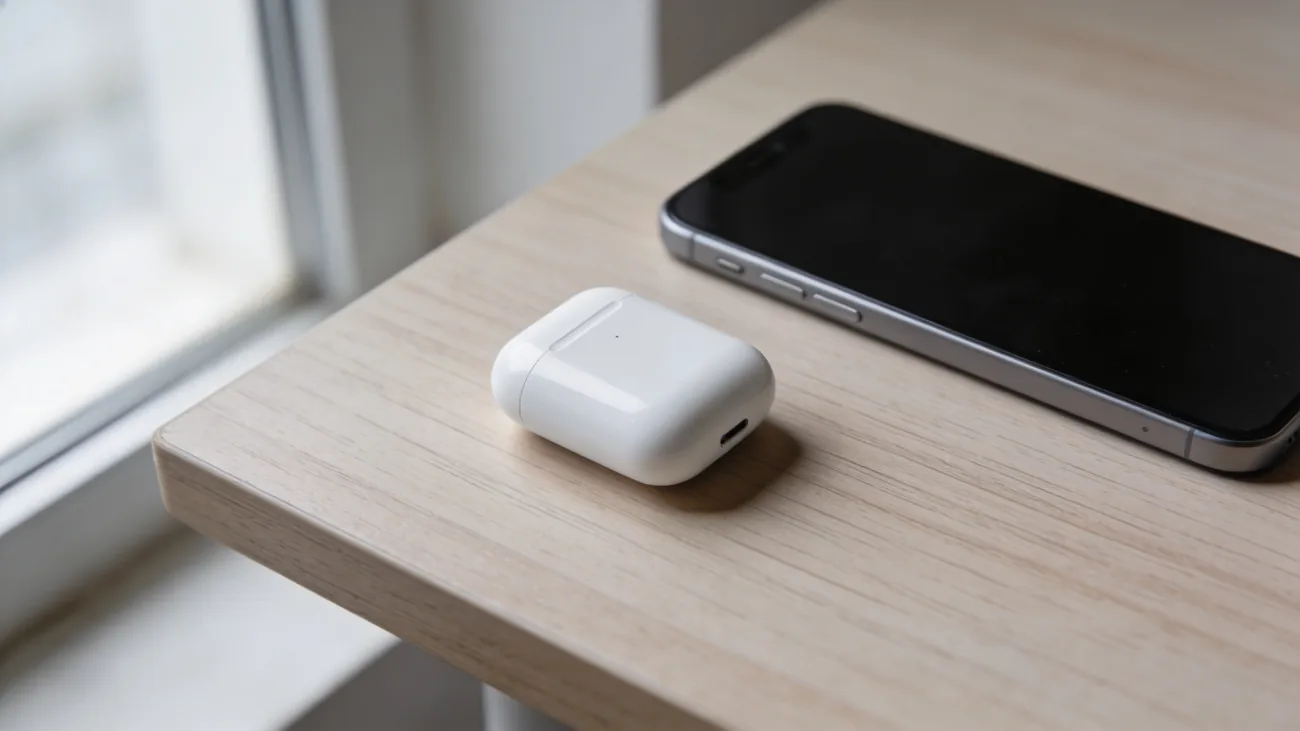
You open the kitchen drawer where the AirPods case lives, and there is nothing there. The buds are still in your ears or on the charger. You open Find My, expecting a pin, and either nothing helpful loads or a single dot points at a location you already searched.
This is one of the few areas where the answer is genuinely shorter than the support forum threads make it sound. Two AirPods cases have a chip that lets them be tracked alone. The rest do not. Knowing which case you own decides everything about what comes next.
TL;DR. If you have AirPods Pro 2 or AirPods 4 with ANC, the case is locatable on its own through Find My, including a Play Sound from the case’s built-in speaker. Every other AirPods case is invisible without at least one bud inside it. For those, the only durable fix is an AirTag in a silicone sleeve clipped to the case. Apple sells replacement cases starting at $59.
Which AirPods case can actually be found alone
The boundary is sharp and worth memorizing, because every recommendation on the rest of this page depends on it.
Findable on its own:
- AirPods Pro (2nd generation), released September 2022. The MagSafe charging case has a U1 ultra-wideband chip, a built-in speaker, and a Lightning or USB-C port depending on the year. In Find My it appears as its own item with its own location, separate from the buds.
- AirPods 4 with Active Noise Cancellation, released September 2024. Same architecture as the AirPods Pro 2 case: U1 chip, built-in speaker, appears separately in Find My.
Not findable on its own:
- AirPods (1st, 2nd, 3rd generation)
- AirPods 4 without ANC (the cheaper variant)
- AirPods Pro (1st generation, 2019 to 2022)
- AirPods Max (no charging case in the same sense; the smart case is a fabric sleeve with no electronics)
If you are not sure which AirPods you have, flip the case open and read the model number on the inside of the lid: A2968 is AirPods Pro 2 with USB-C, A2698 is the Lightning version, A3056 is AirPods 4 with ANC. Anything else is in the no-radio camp.
What Find My is actually showing on older models
On AirPods that predate the U1 case, the pin you see in Find My is the GPS position of the iPhone that last paired with the buds, time-stamped at the moment of that ping. The case has no radio of its own. So the dot is informative only when the buds were inside the case at the time of the last ping.
Three real scenarios:
- Buds in the case, both lost together at a coffee shop. Find My shows a useful pin (the buds pinged from inside the case). Open the case there, hit Play Sound, recover them.
- Buds in your ears, case fell out of a pocket on the train. Find My shows the position of the buds (still on you), not the case. The dot is useless for the case.
- Buds at home, case missing. Find My shows the buds at home, which you already knew. The case is invisible.
This is why the “I lost my case” support threads are messier than they need to be. People conflate “Find My shows a location for my AirPods” with “Find My can find my case.” Only the first is true on older models.
The Play Sound caveat
Tap Play Sound in Find My and you expect a chirp from the case. On the AirPods Pro 2 and AirPods 4 ANC cases, that is exactly what happens; both have a small speaker built into the case. On every other model, the speaker is in the AirPods themselves. Empty case, no sound.
Practical consequence: on older cases, Play Sound only works to confirm the location once you are already in earshot of the buds. As a long-range search tool with the buds elsewhere, it does nothing.
The $10 fix that future-proofs any case
For cases without a U1 chip, the durable fix is well-known to people who have lost a case more than once: clip an AirTag to a silicone sleeve made for AirPods cases.
How it works:
- The sleeve costs $10 to $20 from Spigen, ElevationLab, Belkin, and others. It wraps the case in soft silicone with a slot or pouch for an AirTag and a metal carabiner or keyring loop.
- An AirTag costs $29 from apple.com/airtag or in a four-pack for $99.
- Once paired to your Apple ID, the AirTag rides along with the case wherever it goes. Find My treats the tag as the locator, not the case, so the buds-inside requirement disappears.
- Find Nearby on iPhone 11 and newer points an arrow at the AirTag for the last 30 feet using ultra-wideband, which is more useful in a sofa-cushion search than a map.
The sleeve adds about 15 to 20 grams and a noticeable thickness. For most people it is a fair trade against the $59 to $99 replacement-case bill.
For Android households (someone in the family on an iPhone, the case-loser on a Pixel), a Chipolo ONE Point clipped to the same kind of sleeve does the same job through the Google Find My Device network.
What Apple charges for a replacement case
If the search ends and the case is genuinely gone, Apple does sell the case alone. The path is hidden but real: ask at an Apple Store, call Apple Support, or work through the AirPods Service and Repair page.
Out-of-warranty prices, US:
- Wired charging case (older AirPods 2): $59
- Wireless / MagSafe charging case (AirPods 2 wireless, AirPods 3): $69
- AirPods Pro 2 case (USB-C or Lightning): $89
- AirPods 4 with ANC case: $99
AppleCare+ for Headphones ($29 one-time or $9.99 per year) covers accidental damage to the case for a $29 service fee. It does not cover loss. A lost case under AppleCare+ pays the full out-of-warranty price.
The math: a $99 replacement case is about three AirTag-and-sleeve setups. If you have lost the case once already, the sleeve pays for itself the first time it prevents a second loss.
Before you call it lost: a five-minute search
People find the case at home roughly half the time, in places that follow a pattern. In the order most worth checking:
- The bag you carried yesterday, including the small inner pocket and the laptop sleeve. Cases ride in bags more than people remember.
- Coat pockets, especially the inside breast pocket and any outerwear hung in a closet since.
- Sofa cushions, bed linens, and the gap between the bed and the wall. The case is small enough to slide.
- The car, in the cup holder, the door pocket, the center console, and under the driver’s seat. If you parked in a public garage, also check the parking-lot fallbacks before you assume it is gone.
- The desk drawer at work, the gym bag, the kitchen counter near where you charge your phone.
If the buds work and the AirPods Pro 2 or AirPods 4 ANC case is the model you own, drop the open Find My screen on a partner’s iPhone or iPad. Two phones doubling the U1 search radius cuts the time in half.
What to do if it is gone for good
If 24 hours of searching and the Find My pin (where it exists) have produced nothing, there are two routes:
- Order a replacement case through Apple. Pricing above. The serial of the new case binds to your Apple ID on first open with the buds inside.
- Wait two weeks before ordering. Lost cases turn up at gyms, offices, and rideshare lost-and-found at a higher rate than people expect. A case is small, white, and unmistakable; staff who find one usually keep it.
Whichever you do, buy a $10 silicone sleeve and a $29 AirTag for the new case. It is the only durable answer to the limitation Apple built into the older models, and it works on the new ones too as a redundant layer.
The takeaway
Two cases on the market are locatable as standalone objects: AirPods Pro 2 and AirPods 4 with ANC. The rest are not, and no software trick changes that. The $10 silicone sleeve and a $29 AirTag close the gap for everything else, including future cases. Apple sells the replacement case alone if you need it, starting at $59 and topping out at $99 for the latest model.
The hardest version of this problem is the one where the case has been gone three days, the buds are still working, and you are deciding whether to buy a sleeve or just replace the case. Buy the sleeve. Then, if the case never turns up, replace it once and clip the new one in.
Questions & answers
Things readers ask about this
7 questions · updated May 2026