AirTag vs Tile vs SmartTag vs Chipolo: Which Is Best?
Which Bluetooth tracker is best for keys, bags, pets, or tracking family? Hands-on comparison of AirTag, Tile, Samsung SmartTag, and Chipolo in 2026.
On this page 8 sections
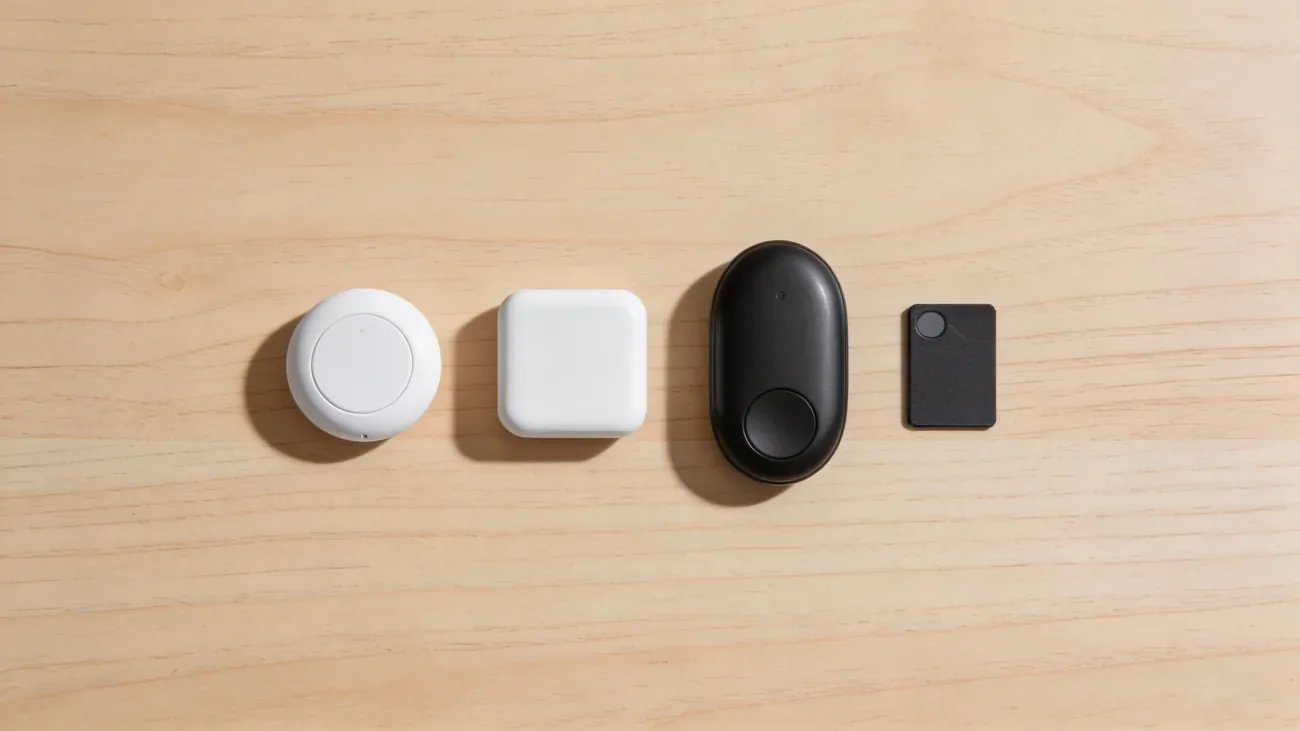
Bluetooth trackers are everyday items now: keys, wallets, suitcases, the occasional cat collar. The four names that matter are Apple AirTag, Tile, Samsung SmartTag, and Chipolo. Each has a real strength and a real weakness, and the right pick depends mostly on which phone is in your pocket.
The figures below come from manufacturer specs (Apple, Tile, Samsung, Chipolo), the joint Apple-Google industry standard for unwanted-tracker alerts (DULT, finalized May 2024), and direct review of US street prices on apple.com, tile.com, samsung.com, chipolo.net, and Amazon at the time of writing.
TL;DR
- iPhone household, items only: AirTag
- Mixed iPhone and Android family: Tile
- All-Samsung Galaxy household: SmartTag2
- Android-first or budget pick: Chipolo ONE Point (Google) or ONE Spot (Apple)
The short answer: which tracker for which situation
| Your situation | Best pick | Why |
|---|---|---|
| iPhone only, tagging keys or bags | AirTag | Largest finder network, UWB precision finding |
| Android only, want Google Find My Device | Chipolo ONE Point | Native Google network support, no subscription |
| All Samsung Galaxy, want UWB | SmartTag2 | Best in SmartThings Find, UWB on Galaxy S22+ |
| Mixed iPhone and Android household | Tile | True cross-platform from a single app |
| Apple household, want a keyring hole | Chipolo ONE Spot | Apple Find My compatible, often cheaper than AirTag |
| Wallet | Chipolo Card Spot or Tile Slim | Card form factor |
The rest of this article goes tracker by tracker, then puts them side by side, then walks through real scenarios.
AirTag
Apple’s AirTag launched in 2021 and is still the default answer for iPhone owners. Price is 29 dollars for a single tag, 99 dollars for a 4-pack on apple.com/airtag.
The reason it dominates is the Apple Find My network. Apple confirms over a billion Apple devices participate in Find My worldwide (Apple support), which means a lost AirTag in any populated area is usually located within minutes by an anonymous passing iPhone. No other tracker has that density.
AirTag also uses Ultra-Wideband (UWB) for Precision Finding. With an iPhone 11 or newer, the Find My app shows an arrow and exact distance to the tag, which is dramatically better than chasing a Bluetooth signal strength bar. Replaceable CR2032 coin battery lasts roughly one year.
Pros
- Largest finder network of any tracker by a wide margin
- UWB Precision Finding on iPhone 11 and newer
- Replaceable battery, no subscription
- Strong anti-stalking alerts built into iOS and Android (via Apple’s Tracker Detect app)
Cons
- Setup requires an iPhone or iPad. Android users cannot use AirTag as their own tracker.
- No keychain hole. You need a separate accessory case.
- Locked to Apple’s ecosystem for daily use.
Best for: iPhone or Apple-household users tagging keys, bags, luggage, or bikes. Not for tracking people. See our AirTag for tracking people guide for why.
Tile
Tile is the original consumer Bluetooth tracker, founded in 2012, acquired by Life360 in 2021. The current lineup includes Tile Mate, Tile Pro, Tile Slim, and Tile Sticker, priced roughly 25 to 40 dollars on tile.com.
Tile is the only major tracker that works equally on iOS and Android from day one. One app, both platforms, same features. For a household where mom has an iPhone and dad has a Pixel, this matters more than network size.
The catch is the network. Tile’s community is much smaller than Apple’s billion-device fleet. In dense cities Tile usually finds things fast. In rural areas the experience can be patchy.
Tile also leans on subscription revenue. Tile Premium costs around 30 dollars per year and unlocks Smart Alerts, unlimited location history, and free battery replacements. The base experience works without it.
Pros
- Genuine cross-platform on iOS and Android
- Multiple form factors including a wallet card
- Replaceable battery on most current models
- Loud ringer, good for indoor finding
Cons
- Smaller finder network than Apple
- Premium subscription gates Smart Alerts and history
- No UWB precision finding
- Tile-Life360 merger raised privacy questions for some users
Best for: mixed iPhone and Android households, families who already use Life360, anyone who wants one app across both platforms.
Samsung Galaxy SmartTag and SmartTag2
Samsung’s answer to AirTag for the Galaxy ecosystem. SmartTag2 launched in late 2023 at around 30 dollars, replacing the original SmartTag. Available on samsung.com.
SmartTag2 uses Samsung’s SmartThings Find network, which relays through Galaxy phones and tablets. The network is meaningful in regions with high Galaxy share (South Korea, parts of Europe, the US) and weaker elsewhere.
SmartTag2 added UWB, but precision finding only works on Galaxy S22, S23, S24, and newer models with the U1-style chip. On older Galaxies you still get Bluetooth ringing and rough proximity, just not the AR arrow.
The big limitation: setup requires a Samsung Galaxy phone. Not just Android, Samsung specifically. A Pixel or OnePlus user cannot pair a SmartTag2.
Pros
- Tight integration with Galaxy phones and SmartThings
- UWB precision finding on Galaxy S22 and newer
- Replaceable battery, IP67 rated, claims up to 700 days of battery life
- No subscription
Cons
- Galaxy-only setup, even within Android
- SmartThings Find network density varies by region
- Less useful outside Samsung households
Best for: all-Samsung households who already live in SmartThings.
Chipolo
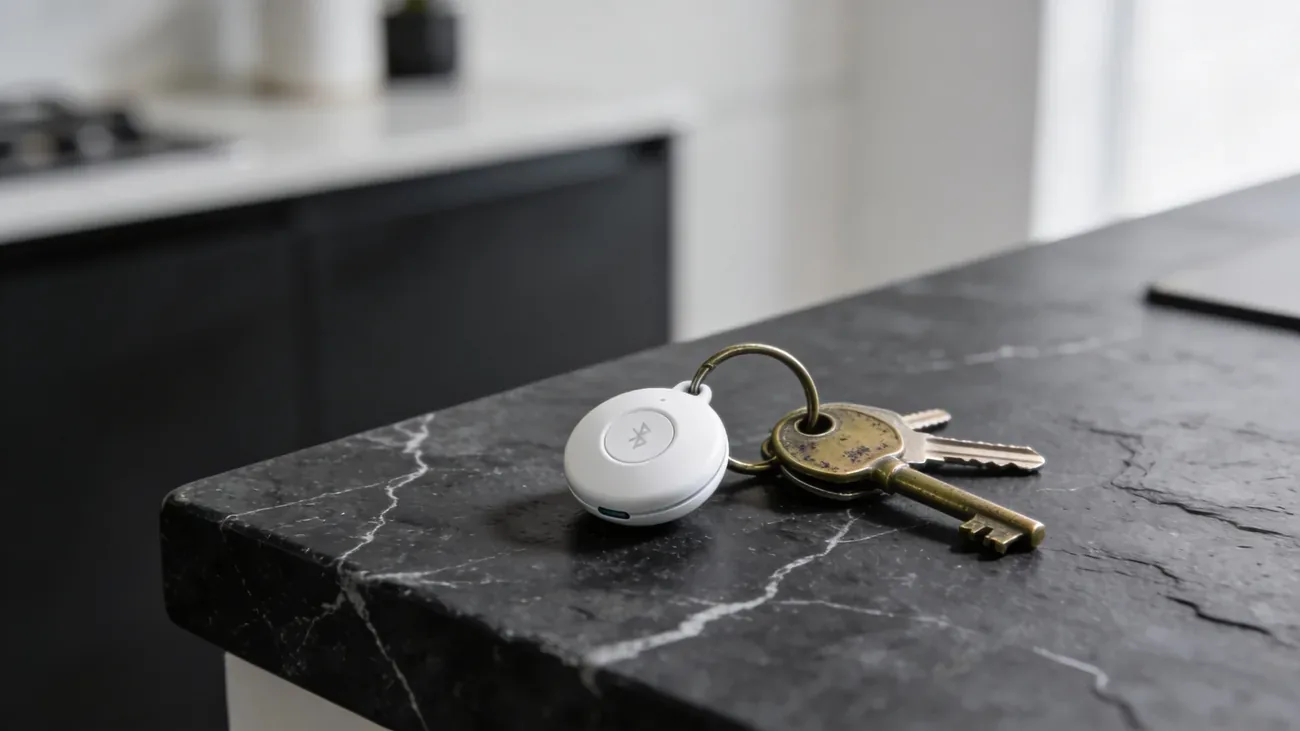
Chipolo is a Slovenian company with a clever niche: trackers for both major networks. The names are almost identical, so read carefully:
- Chipolo ONE: original, small Chipolo-only network. Around 29 dollars. Mostly superseded.
- Chipolo ONE Spot: Apple Find My compatible, around 35 dollars. iPhone setup, Apple’s billion-device network, built-in keychain hole.
- Chipolo ONE Point: Google Find My Device compatible, around 35 dollars. Launched after Google’s Find My Device network rolled out in April 2024 for Android 9 and newer.
- Chipolo Card Spot: wallet-thin card, Find My compatible.
The split solves a real problem. Android users get a tracker that taps into Google’s network. iPhone users who want a keychain hole grab a ONE Spot instead of an AirTag. Buy on chipolo.net.
Pros
- Variants for both Apple and Google networks
- Replaceable battery on current models
- Built-in keychain hole (no extra accessory)
- No subscription
Cons
- No UWB on any current Chipolo model, so no precision arrows
- Naming (Spot vs Point vs ONE) is confusing at checkout
- Original Chipolo network is small, only Spot and Point variants are competitive
Best for: Android users wanting Google Find My Device coverage (ONE Point), or iPhone users who want a cheaper AirTag alternative with a keyring hole (ONE Spot).
Side-by-side comparison table
| Feature | AirTag | Tile Pro | SmartTag2 | Chipolo ONE |
|---|---|---|---|---|
| Price | $29 | $35 | $30 | $29 |
| Find My network | Apple Find My (1B+ devices) | Tile community (~100M) | Samsung SmartThings Find | Chipolo / Apple / Google (varies by model) |
| iPhone compatible | Yes | Yes | Partial (view only via SmartThings) | Yes (ONE Spot) |
| Android compatible | Tracker Detect only | Yes (full app) | Yes (Galaxy preferred) | Yes (ONE Point on Google network) |
| UWB precision finding | Yes (iPhone 11+) | No | Yes (Galaxy S22+, SmartTag2) | No |
| Replaceable battery | Yes (CR2032) | Yes (most models) | Yes | Yes |
| Subscription required | None | Optional Premium ($30/yr) | None | None |
| Anti-stalking alerts | iOS + Android (Tracker Detect) | iOS + Android | Galaxy + iOS | Industry-standard via Find My |
| Best for | Apple users | Cross-platform households | Samsung users | Android / budget Apple |
A note on cross-tracker detection: Apple and Google jointly rolled out an industry standard so that an unknown AirTag, Chipolo Spot, or compliant Tile traveling with an Android user triggers a system-level alert without any extra app. iPhones get the same alerts for unknown trackers from any participating brand. If you want the full picture on those alerts, see what an unknown AirTag alert means.
Which to pick for specific scenarios
Keys. Default to whatever matches your phone. AirTag for iPhone, Chipolo ONE Spot if you want a keychain hole, SmartTag2 for Galaxy, Chipolo ONE Point for other Android phones. Tile if there are mixed phones in the house.
Wallet. Chipolo Card Spot or Tile Slim. AirTag does not fit a wallet without a bulky case.
Travel bag or suitcase. AirTag wins if you fly often and use an iPhone. Airports and city centers have huge Apple device density, so a delayed checked bag usually reports within an hour. Tile is the cross-platform alternative.
Pets. Fine for cats that mostly stay home. Not GPS, so a cat that wanders three blocks is found only if it passes near a participating phone. For dogs that roam, use a real GPS tracker.
Car (anti-theft backup). AirTag or SmartTag2, hidden well. A thief with a modern phone will get an unknown-tracker alert within hours, so this is not a stealth solution. It is a deterrent and a recovery aid in the first hours.
Kid’s backpack. Do not use a Bluetooth tracker for this. Location only updates when another phone walks past. For real child-tracking use a GPS tracker like Jiobit or AngelSense (more in the next section).
Grandparent’s belongings. Wallet, keys, walker handle. Tile or AirTag work fine. A family member tracks from their own phone.
Airbnb rental. AirTag or SmartTag2 hidden in the property. Useful for confirming items have not walked off. Disclose to guests if local laws require it.
Traveling internationally. AirTag is the most reliable across countries because Apple’s network is global and dense in most cities.
Important: none of these are good for tracking people
Bluetooth trackers were designed for objects, not people. They fail at person-tracking for structural reasons:
- They are not GPS. Location only updates when a participating phone walks within Bluetooth range, roughly 30 to 100 meters. In a quiet area an AirTag may go hours without a single ping.
- Anti-stalking alerts work as designed. Apple, Google, Samsung, and Tile all notify when an unknown tracker moves with someone. The tracker may chime audibly to reveal itself. You cannot reliably defeat it.
- Battery cadence is wrong. A coin cell lasting a year only reports occasionally. A real GPS tracker with a SIM card reports every minute or every few seconds.
If you genuinely need to track a person, an elderly parent with dementia, a child walking home from school, use a dedicated GPS tracker. Two strong options in 2026 are Jiobit (small clip-on, cellular) and AngelSense (designed for kids and adults with cognitive needs, two-way audio).
For the full breakdown of why AirTag is the wrong tool for tracking humans, read AirTag for tracking people. For the iPhone side of the Find My ecosystem, see the complete Find My iPhone guide. For a quick one-off lookup, the phone locator tool is the right starting point.
Pick the tracker that matches your phone and your honest use case. Skip the ones that promise something they were never built to do.
Questions & answers
Things readers ask about this
5 questions · updated Apr 2026