Delete Car Location History Before You Sell It
Your car remembers home, work, and every trip between. Get the factory-reset steps for Toyota, Ford, GM, VW, and Tesla, plus how to remove a previous owner's app access.
On this page 7 sections
- What your car actually logs
- Where that data goes after you sell
- The previous-owner problem nobody warns you about
- Signs you’re buying a car with a ghost owner still attached
- How to factory reset your car before selling it
- Disconnecting the cloud account is a separate step
- Renting or returning a leased car needs the same checklist
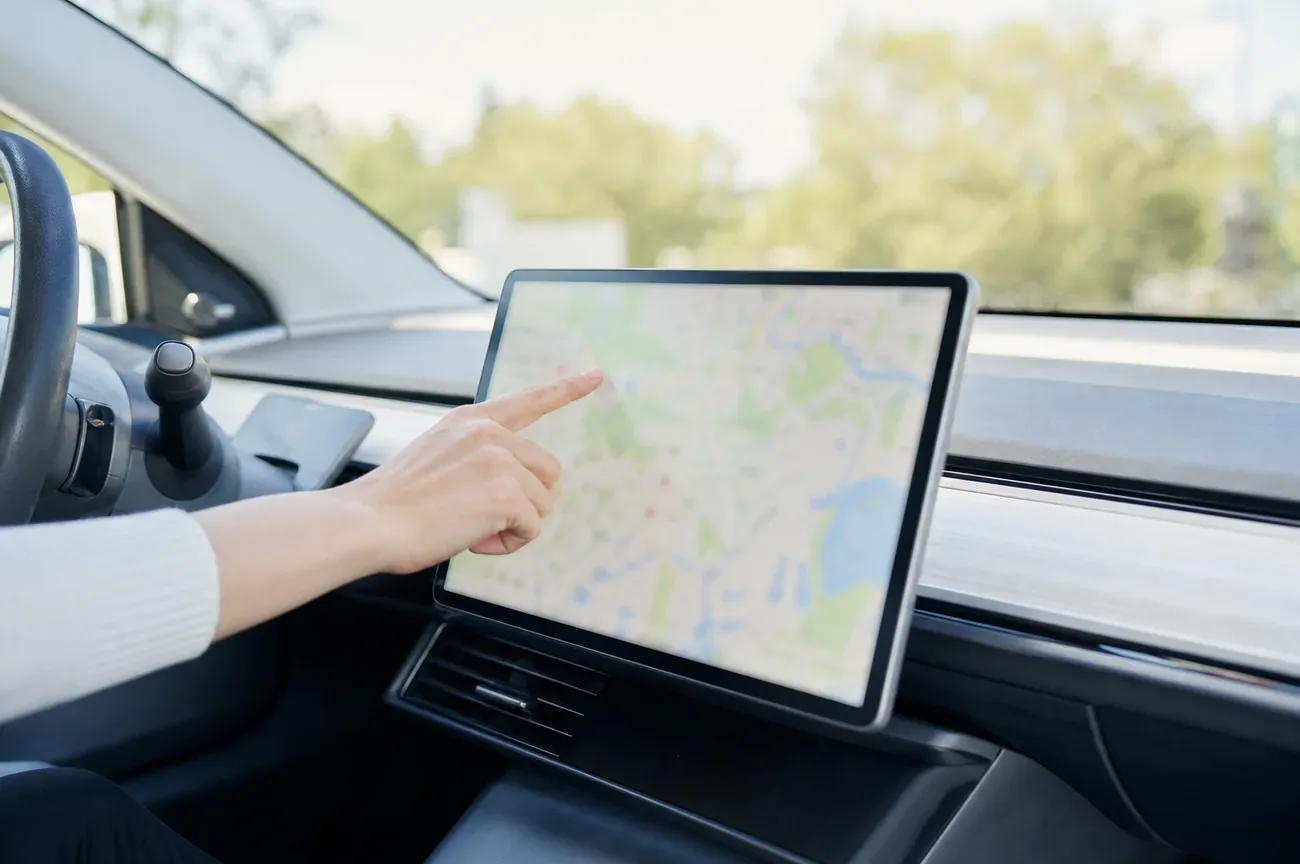
Your car’s navigation system keeps a running log of every address you’ve searched: home, work, the therapist’s office, the elementary school pickup line. If the vehicle has cellular connectivity, which most cars built since roughly 2015 do, a second, invisible layer of tracking runs underneath the dashboard: a telematics module reporting your GPS position to the automaker’s servers, tied permanently to your name and VIN.
Selling the car doesn’t erase either layer automatically. Buying one doesn’t guarantee the last owner is gone from it either.
Key Takeaways
- Two separate systems store your location: the on-screen navigation history and a cloud-linked telematics feed most drivers never see.
- A factory reset clears the dashboard, not the cloud account. FordPass, the Toyota app, myChevrolet, and We Connect all require a separate unlink step.
- The previous-owner problem is documented, not theoretical. A 2021 investigation found a Ford owner could still track and remote-start a car he’d traded in two months prior.
- 84% of car brands say they can share or sell driver data, according to Mozilla’s 2023 review of 25 major automakers.
- The fix is a five-step checklist you run before you hand over the keys, not after.
What your car actually logs
Open the navigation menu on almost any car from the last decade and you’ll find a recent destinations list, usually 10 to 20 entries, alongside dedicated Home and Work presets you may have set once and forgotten about. That’s the visible part.
The less visible part runs through the telematics control unit, a cellular modem wired into the car independent of your phone. Depending on the brand, it can log:
- Continuous or interval GPS position, not just destinations you typed in
- Trip start and end times, which show when the car is normally parked at home
- Driving behavior, including hard braking, speed, and mileage
- Bluetooth pairing data, which can copy your entire phone contact list to the head unit
- Garage door codes, if you paired a HomeLink transmitter
- Media and app logins, including streaming radio, mobile payment, and any account you signed into on the touchscreen
Consumer Reports auto analyst Mel Yu put it plainly in the outlet’s guide to wiping personal data from a car: the data ranges from your playlist to how firmly you apply the brakes, and “if you’re not careful, the data can travel on to your car’s next owner.”
None of this requires you to have opted into anything you’d remember agreeing to. The connected-services consent usually gets bundled into the paperwork at delivery, and most owners never open the privacy settings menu again after the first week.
Where that data goes after you sell
This is the part most sellers never think to ask about. Mozilla’s Privacy Not Included team spent hundreds of hours in 2023 reviewing the privacy policies of 25 major car brands and rated cars the worst product category the team had ever assessed. Two numbers stand out: 84% of the brands reviewed say they can share or sell your data to third parties, and 76% say outright they can sell it.
It isn’t hypothetical. Volkswagen and Audi disclosed a breach affecting 3.3 million users. Toyota disclosed a data leak that ran for a decade, from 2013 to 2023, exposing 2.15 million customer records. GM’s OnStar Smart Driver program shared detailed trip data with LexisNexis and Verisk, two analytics firms that feed records to auto insurers.
None of that requires the car to still be yours. Your historical trip data already collected before the sale can sit on the automaker’s servers indefinitely, separate from whatever you clear off the dashboard.
The privacy policies rarely name the buyers by company. Mozilla’s researchers found most automakers describe recipients only in vague categories, like “service providers” or “business partners,” language broad enough to cover insurers, marketing firms, and data brokers without naming a single one. When a policy does name names, it tends to use qualifiers (“may include,” “such as”) that leave room for the list to grow without a new disclosure. That vagueness is itself the point: it’s hard to opt out of sharing you can’t fully identify.
The previous-owner problem nobody warns you about
Here’s the scenario that catches used-car buyers off guard: you buy a car, download the brand’s companion app to pair it, and discover the seller’s account is still attached. Depending on the brand, that means the previous owner can still see the car’s live location, lock and unlock it, or remote-start it, weeks or months after the sale closed.
This isn’t a rare glitch. A 2021 WGME/CBS13 investigation documented a Maine man who traded in his Ford Escape in August and could still open the FordPass app and remote-start the vehicle as of late October, two months and one owner later. A second driver in the same report said she could see, unlock, and locate her old Ford from another state after selling it. Ford’s official position, per the same investigation, is that the company posts a data-sharing icon on the SYNC screen and recommends a Master Reset before a sale or trade, but nothing forces the previous owner’s account link to close automatically.
Nissan told reporters that a registered owner “can always determine who has remote access to their car,” which is true only if that owner actively goes into the app and removes themselves, a step sellers routinely skip because nobody tells them it’s separate from a factory reset.
Signs you’re buying a car with a ghost owner still attached
If you’re on the buying end, a few checks before you drive off tell you whether the previous owner is still in the loop. Try pairing your phone to the infotainment system: if it already shows another person’s name, saved addresses, or a full contact list you don’t recognize, the head unit was never reset. Download the brand’s app and attempt to add the vehicle by VIN; if the app says the car is already claimed by another account, that’s the cloud-side link the dealership skipped.
Ask the seller or dealer directly whether they ran a factory reset and removed the vehicle from their app account, and ask for it in writing if the car has any remote-start or remote-lock features. A dealership in Maine told local investigators in 2021 that clearing a Ford app connection “should be done” before a trade-in, but admitted at the time it wasn’t standard practice. Treat that as the default assumption for any used car, not the exception.
How to factory reset your car before selling it
A factory reset (also called Master Reset, Restore Factory Settings, or Delete Personal Data depending on the brand) is the closest thing to a full wipe of the infotainment unit. Menu paths shift by model year and software version, so treat these as starting points and confirm the exact wording in your owner’s manual:
- Toyota: the infotainment system typically has the reset under Settings > System > Reset Options. Separately, in the Toyota app, look for Data & Privacy and decline what Toyota calls “Master Data Consent” to stop future data sharing tied to your account.
- Ford: on SYNC-equipped vehicles, the path is generally Settings > General > Reset Settings > Master Reset. Ford explicitly recommends this step before selling or transferring ownership, per its Connected Vehicle Privacy Policy.
- GM (Chevrolet, GMC, Buick, Cadillac): infotainment reset lives under Settings > General > Reset > Factory Data Reset on most Global A and Global B systems. This clears paired phones, saved destinations, and driver profiles from the screen.
- Volkswagen: on Discover Media and Discover Pro units, look for Settings > System > Delete Personal Data, which clears saved addresses, paired devices, and voice profiles.
- Tesla: there’s no separate “infotainment reset” in the traditional sense, since the car’s software is tied directly to your Tesla Account. Data controls live under the touchscreen Controls > Safety > Factory Reset, but ownership transfer inside the Tesla app is the step that actually moves data control to the next owner.
Before you run the reset, manually clear saved Home and Work addresses, unpair every phone under Bluetooth settings, and log out of any streaming or payment apps linked to the infotainment screen. A reset should catch all of this, but checking first avoids surprises if the reset only partially completes.
Disconnecting the cloud account is a separate step
This is the step a factory reset does not handle, and it’s the one behind nearly every “previous owner can still see my car” story. The brand’s phone app (FordPass, the Toyota app, myChevrolet, We Connect, the Tesla app) runs on a cloud account tied to your email address and the car’s VIN, independent of anything stored in the dashboard hardware.
To close that link: open the app, find the vehicle under your account, and look for an option to remove, unlink, or transfer the vehicle. Ford’s support documentation walks owners through removing authorized users and modem access directly from account settings. If the app won’t let you remove the vehicle, or you’re the buyer and the app still shows someone else’s name attached, contact the automaker’s owner-support line with your title or bill of sale as proof of ownership. Most brands will manually deactivate a prior account once they can confirm the vehicle changed hands, though the process is a phone call or support ticket, not a self-service toggle.
Vehicle Privacy Check by Privacy4Cars is a free lookup tool that flags whether a given VIN still shows an active connected-services profile, useful for a used-car buyer trying to confirm the previous owner is actually gone before completing the purchase.
Renting or returning a leased car needs the same checklist
Everything above applies just as much when you’re handing back a rental or a lease turn-in, not just a private sale. If you paired your phone in a rental car, the pairing may have copied your contact list to the vehicle’s storage the moment you connected, not just while the trip lasted. Our guide on whether your rental car is tracking you covers what fleet telematics logs separately from the infotainment pairing issue, and the five-minute checklist to run before you return the keys.
If you’re buying used and want to confirm nothing physical was left behind by a previous renter or owner, such as an aftermarket GPS tracker unrelated to the factory system, our DIY sweep for finding a hidden GPS tracker covers the five zones worth checking. And if you’re wondering whether clearing app permissions on your phone stops location sharing entirely, turning off Location Services alone usually doesn’t; the same layered logic applies to phones as it does to cars, since the carrier-level and app-level tracking are separate systems.
If you’re prepping other devices for the same sale, such as a phone that’s going with the car deal or being sold alongside it, the process of disabling Find My before selling an iPhone follows the same two-layer pattern: clear the on-device data, then separately unlink the cloud account.
The federal government has taken notice of the gap between “factory reset” and “actually gone.” The FTC’s consumer guidance on clearing car data and the Electronic Frontier Foundation’s breakdown of car data collection both make the same point from different angles: nobody is going to do this step for you, and the dashboard reset alone isn’t the whole job.
Questions & answers
Things readers ask about this
7 questions · updated Jul 2026